
Asia at the World’s Fairs
ABOUT OUR PROJECT
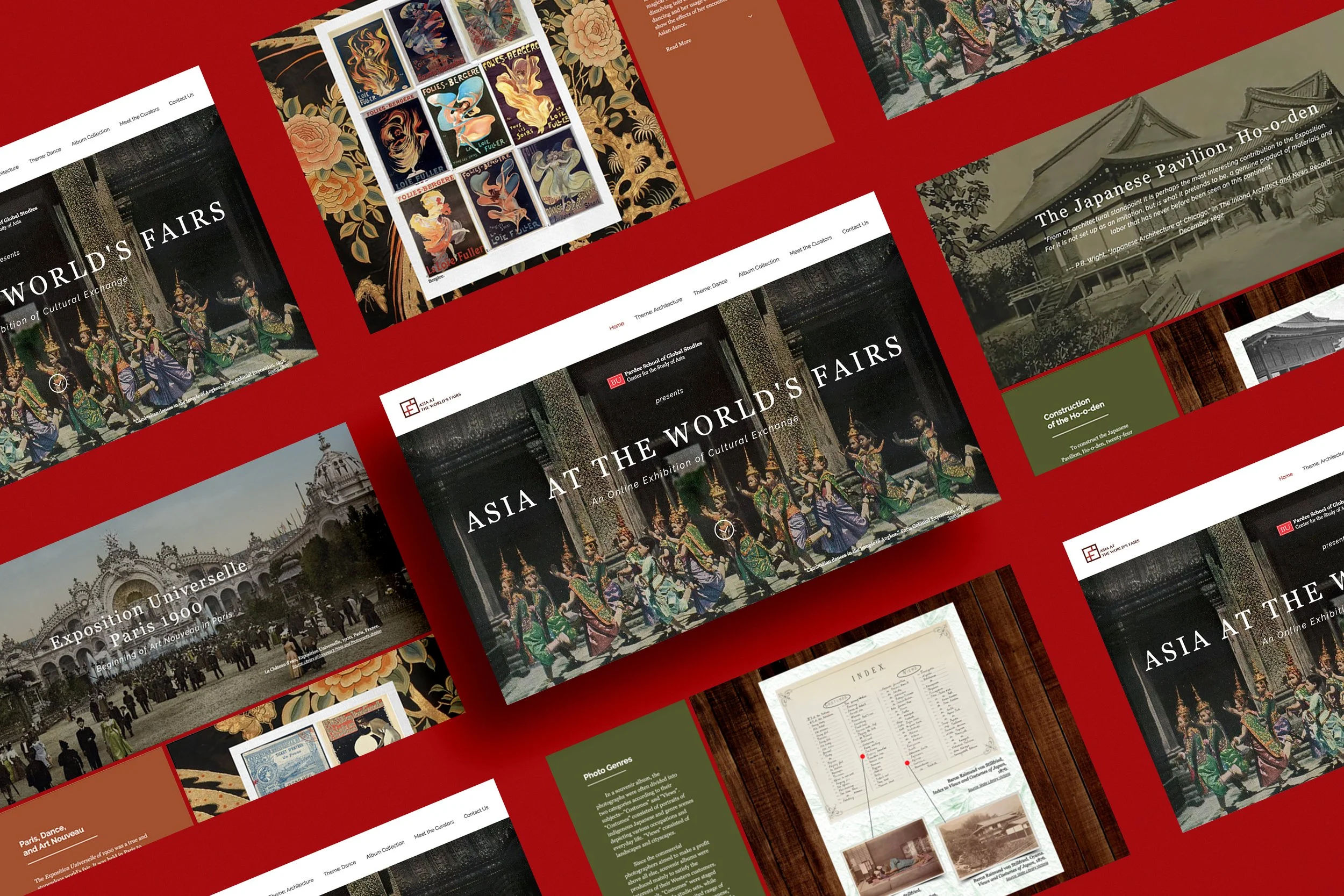
Asia at the World’s Fairs is an online exhibition exploring the contributions Asian cultures have made to the formation of world culture at international fairs, beginning with the 1851 Crystal Palace exhibition in London through the fairs of the 1930s.
I was hired by Boston University Center for the Study of Asia (BUCSA) to design and build an online exhibition using the Wix platform. Two concrete themes were launched to discuss how online exhibitions can serve as an engaging, interactive vehicle for the study of archival materials in the digital age.
COMPANY
Boston University Center for the Study of Asia
TIMELINE
Sep 2016 - Aug 2019
WEBSITE BUILDER
Wix
DESIGN TOOLS
Adobe (Photoshop, XD)
Coggle
MY ROLE
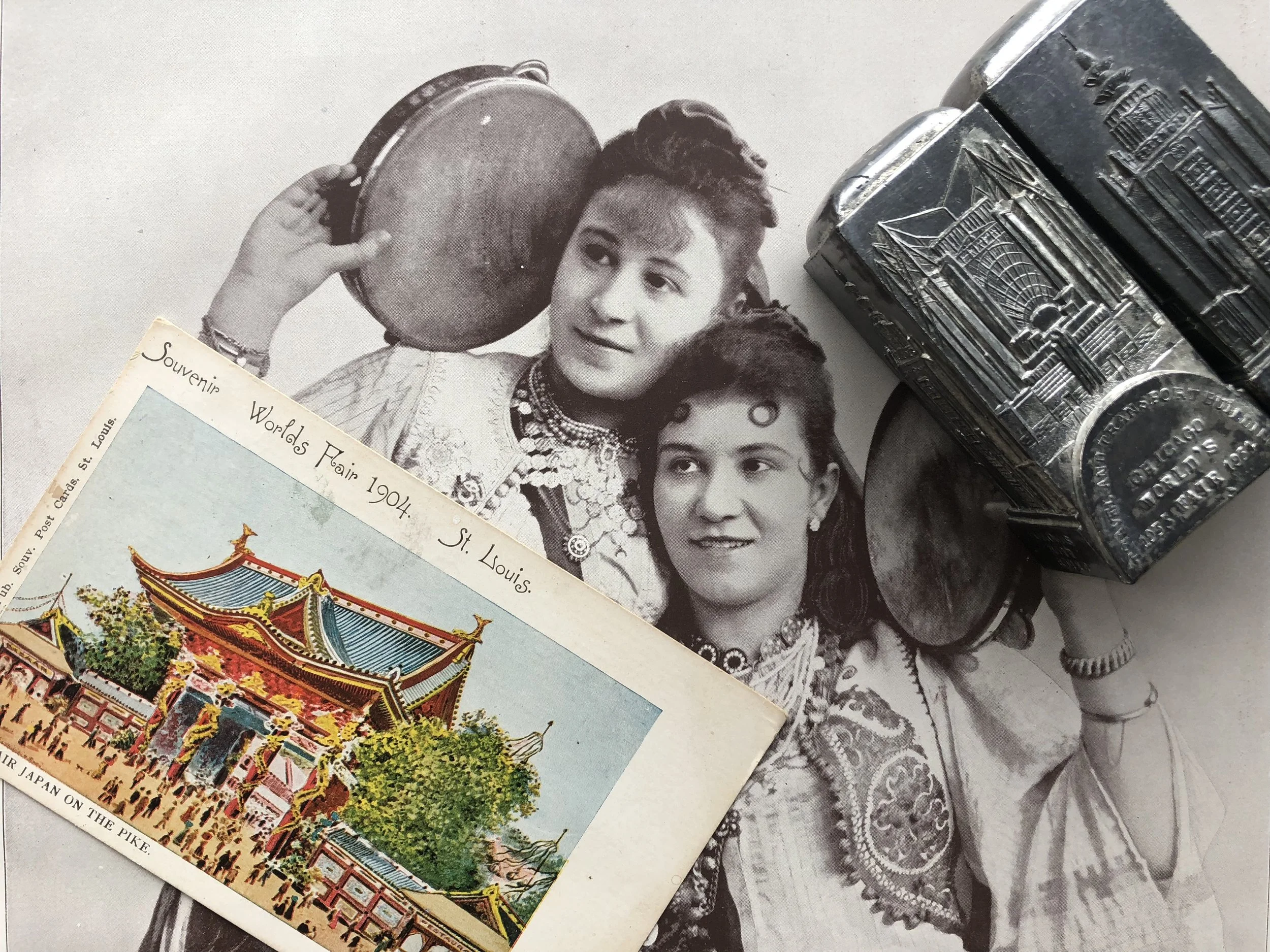
I worked collaboratively with Boston University professors to present an online exhibition featuring “Architecture” and “Dance” themes for the initial website launch.
My roles included:
Designing and building a curated media-rich online exhibition
Managing website mock-ups and journey maps
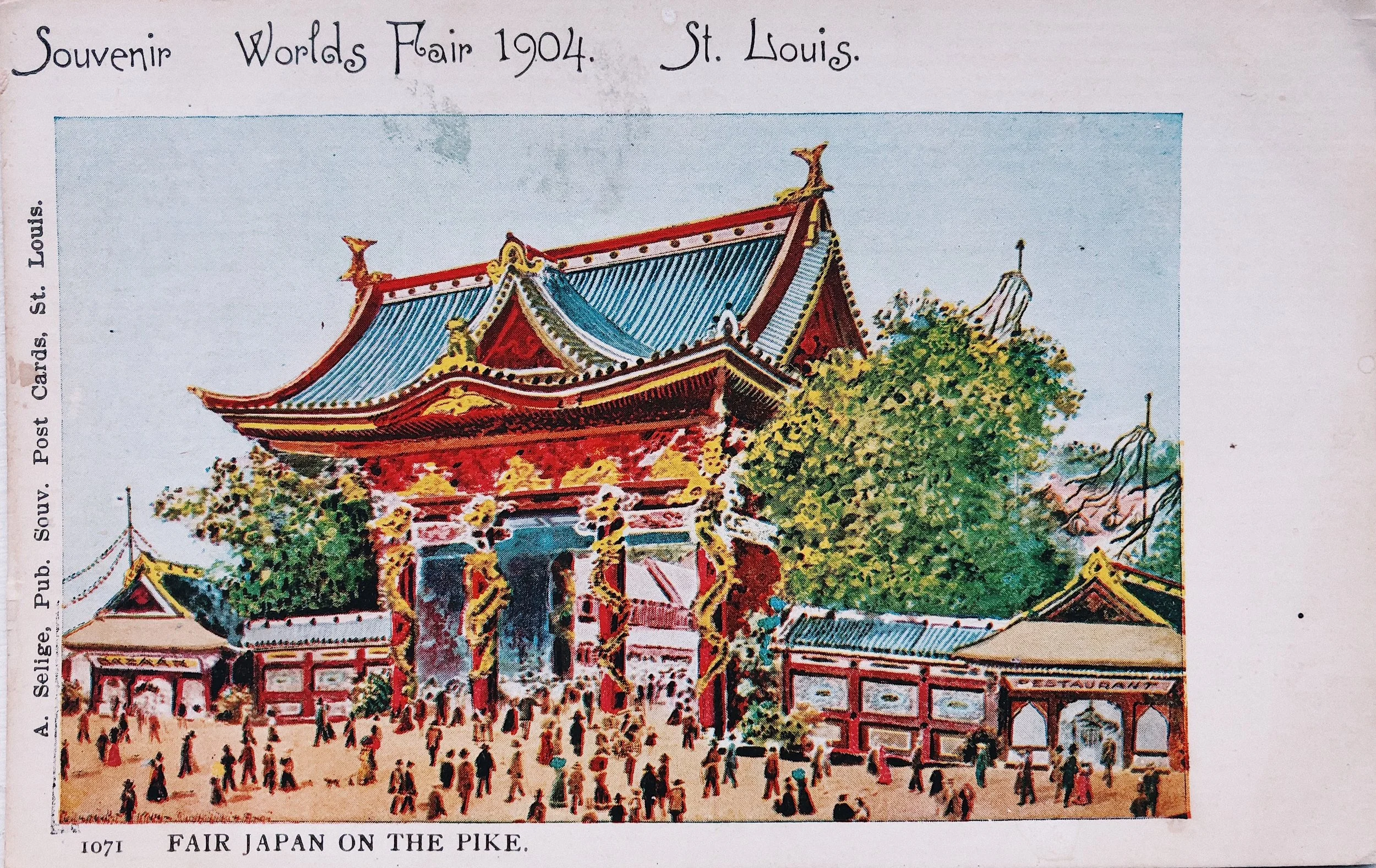
Collecting and presenting archival materials from Western, Chinese, and Japanese online databases
JOB TITLE
Web Designer
Co-curator
PROJECT PATH
01.
Project Kickoff Meeting
SETTING GOALS
When I took on the project, I had minimal experience in web design, much less building websites. Nevertheless, I was eager to learn how digital technologies can preserve archives while presenting history in an exciting way. I laid out two personal goals for myself:
Learn how to curate an online exhibition.
Select a website builder that can present a large collection of archival materials in a new and engaging way, while utilizing digital platforms to showcase content.
Together as a team, we established two primary goals for the exhibition launch:
The short-term goal is to create a visually driven website while integrating interactive features to create a rich engagement with the user.
The long-term goal is to establish a proper content management system to ensure long-term viability and access to our website, which students and faculty can continue to build upon.
“Much like the world’s fairs, how can we create a place where all the objects, ideas, and people can come alive through the stories we strive to show, and hope that users can feel as though they are visiting the world’s fairs themselves, but in today’s digital age?”
SEEKING I.T. SPECIALISTS
We then asked I/T specialists at BU’s Digital Learning and Innovation Department for guidance as website building is a relatively new area for us.
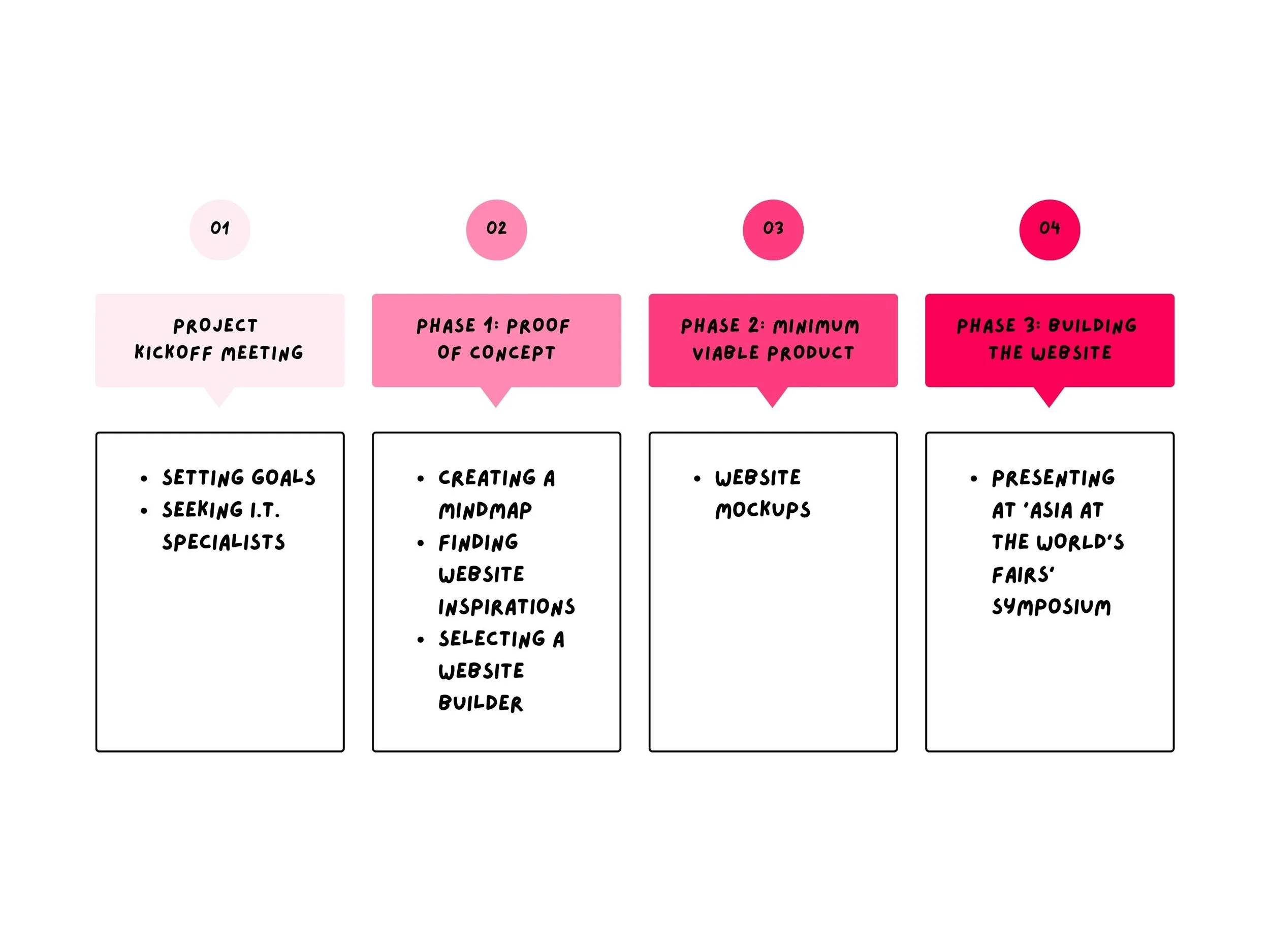
They encouraged us to think about our project in three phases:
1.
Phase 1: Proof of Conceptto create a one-dimensional experience, such as a mind-map to let people know what you are trying to achieve.
2.
Phase 2: Minimal Viable Productto create a minimal viable product, which is the design, architecture, or database of visuals to demonstrate that this is a viable project.
3.
Phase 3: Build the Full Websiteto build up the full website, that will open for expandability and new directions in the future.
02.
Phase 1: Proof of Concept
CREATING A MINDMAP
The first step was creating a mind-map on Coggle, a collaborative mind-mapping web tool. This offered an easy way to make sense of all the complex ideas we had on one screen. We laid out the pages we needed, identified the possible themes to explore, and the types of interactive elements we wanted to include for our materials.
FINDING WEBSITE INSPIRATIONS
We looked at other websites for inspiration. I/T showed us a few examples of websites we could build if we used BU WordPress.
Internal BU Hosted WordPress
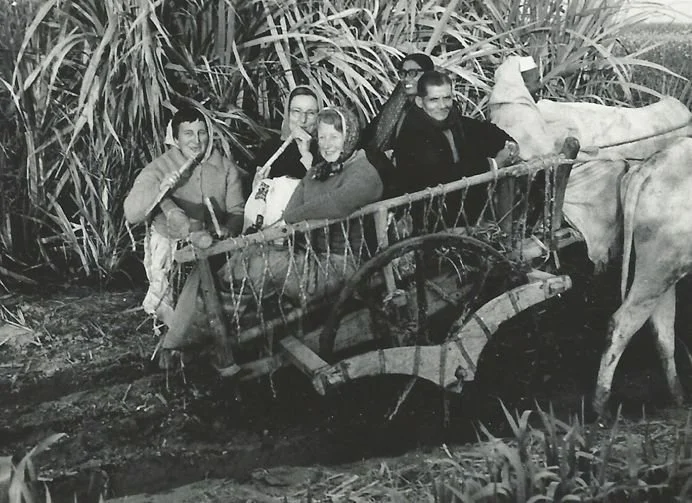
“In the Midst:” Audio Autobiography of Barbara Beach Alter
Boston University School of Theology
Pro:
Content is organized in multiple ways, giving users the flexibility of either looking at the stories by theme, by time, or by place.
Themes are displayed in a grid-like manner. Pages open up to display audio recordings corresponding to the theme.
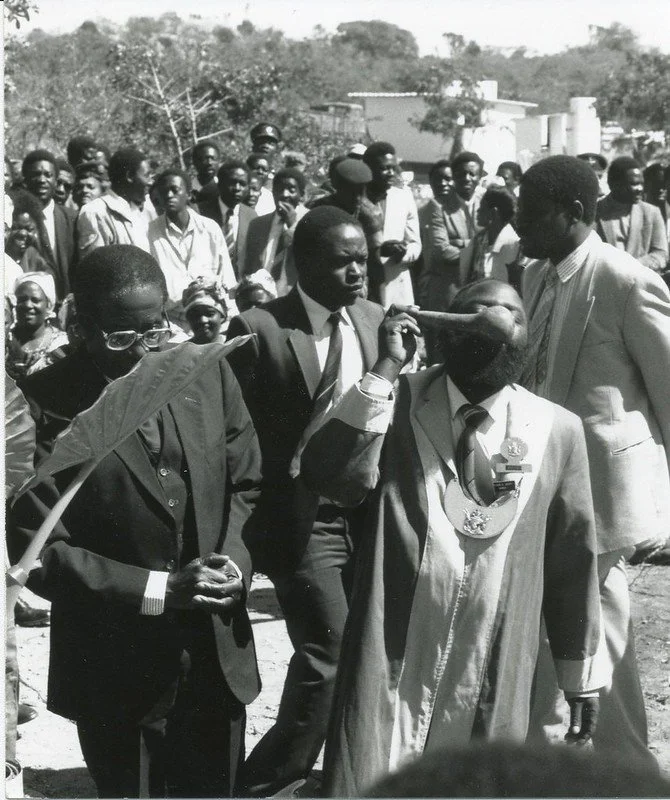
“Old & New in Shona Religion” of Dr. M. L. Daneel
Boston University School of Theology
Pro:
Users are given the option of viewing multimedia content through photographs, audio slides, films, or books, which are linked to other websites.
Themes include a mix of audio slides as well as video content.
Cons: These digital projects above are all great examples of displaying content in a well-organized manner, but we felt that they served only an educational purpose and were not as engaging as we hoped to make ours. We decided to host our website elsewhere so that we could easily incorporate interactive features rather than following a guided template.
Below are a few examples of how we wanted our exhibition to look.
External Interactive Websites
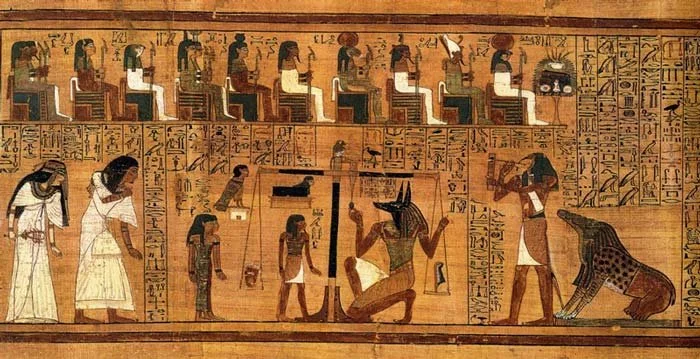
Web Design & Art History Webflow
Pro:
A vertical scrolling template with parallax responsive design. Parallax scrolling is a technique where the background of the web page moves at a slower rate than the foreground, creating a 3D like-effect and sense of depth to your screen.
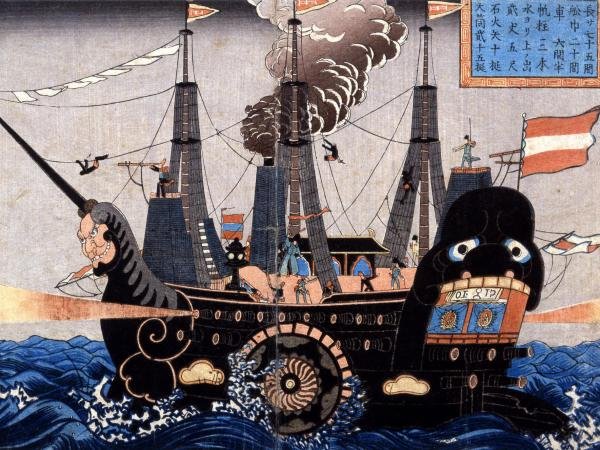
Pro:
Displaying content in “units.” This grid-like template is an appealing way to organize and expand upon.
Horizontal scrolling can provide an element of story-telling, similar to looking at a picture book accompanied with short text.
A quick browse on the web showed us there are tons of interactive features we can use to display our own visuals. Our next step was to find a website builder that could show our content effectively and be easy to use for people with no coding experience.
SELECTING A WEBSITE BUILDER
The three leading website builders we looked at are Wix, Squarespace, and WordPress. Here is a breakdown comparison chart based on the main requirements most important to us:
| Wix | Squarespace | WordPress | |
|---|---|---|---|
| Ease of Use | Simple; User-friendly with drag and drop website builder | Simple; User-friendly with drag and drop website builder | Complex; open source platform, should know some coding |
| Templates | Over 500 responsive templates | Over 70 responsive templates | Over 4,000 free themes & 10,000 premium themes |
| Pricing | Most popular: $12/month for premium plan, with unlimited bandwith + 10GB storage | Most popular: $18/month for business plan, with unlimited bandwith | Most popular: $8/month for premium plan, with 13GB storage |
| Interactive Features | 250+ apps on Wix app market | third-party extensions are not available | 29,000 WordPress plugins |
| User Support | phone, email, 24/7 live chat, and video tutorials | phone & email, 24/7 live chat. And video tutorials | Rely on WordPress community |
Since Squarespace doesn't support third-party extensions, we quickly eliminated this option. We then narrowed it down to Wix And WordPress. The open-source WordPress platform and its plugins offer plenty of options for customization and flexibility. But this can be challenging as some of their plugins are built by developers and may require a bit of coding. In case of a technical issue, the user will need to rely on the WordPress community for technical support.
Whereas the drag-and-drop Wix website builder will be easier to navigate around for non-coders. Wix also offers 24/7 user support and video tutorials for all of their tools, while their apps are closely monitored. This is especially helpful for our team as we won’t be receiving help from BU I/T. So in the end, we decided to go with Wix because of its simple template design, access to Wix app market, and customer support.
03.
Phase 2: Minimum Viable Product
This leads us to the second phase of creating a MVP on Wix for our exhibition launch.
Home Page
ASIA AT THE WORLD’S FAIRS HOME PAGE
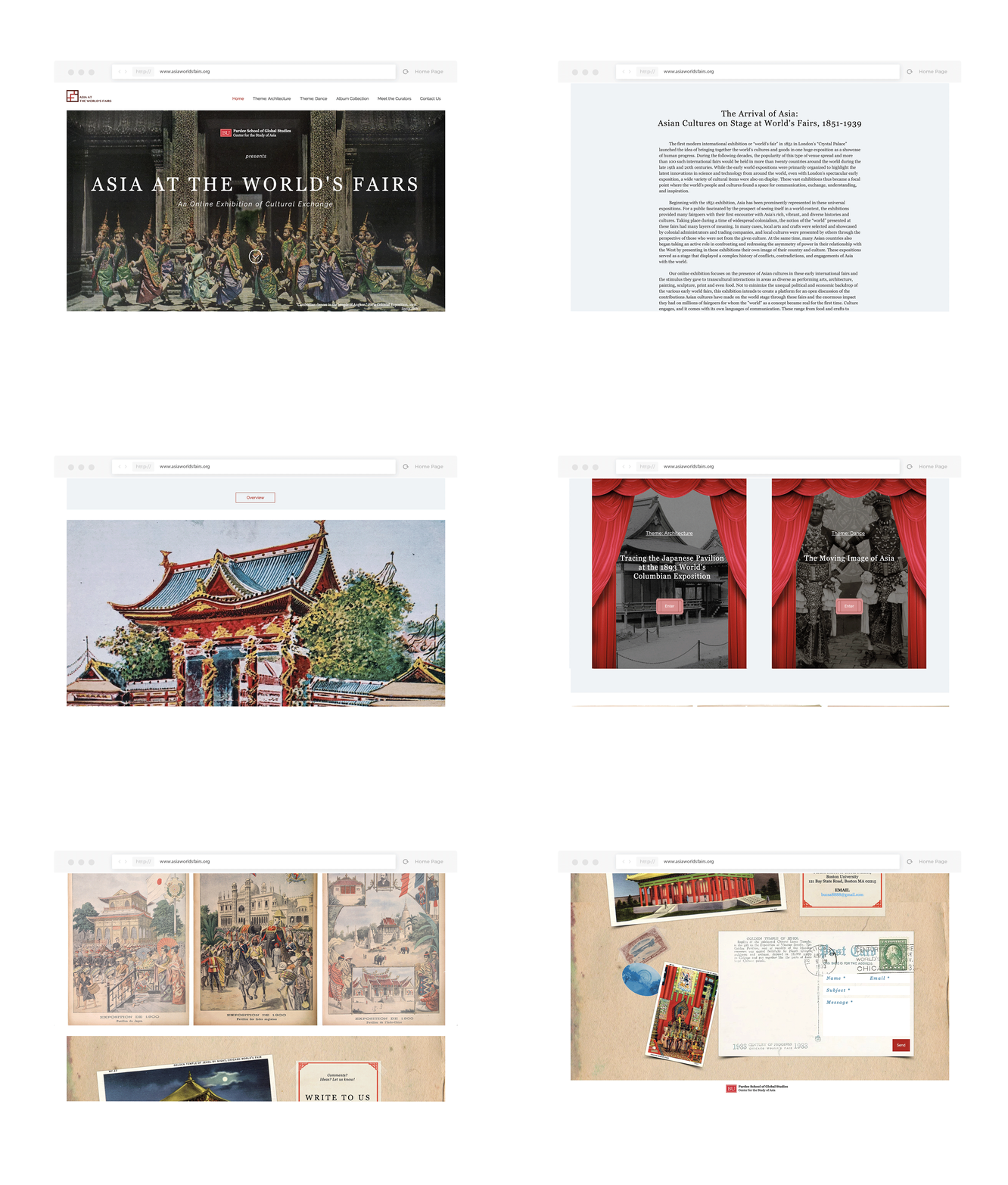
THEMES’ HOME PAGE
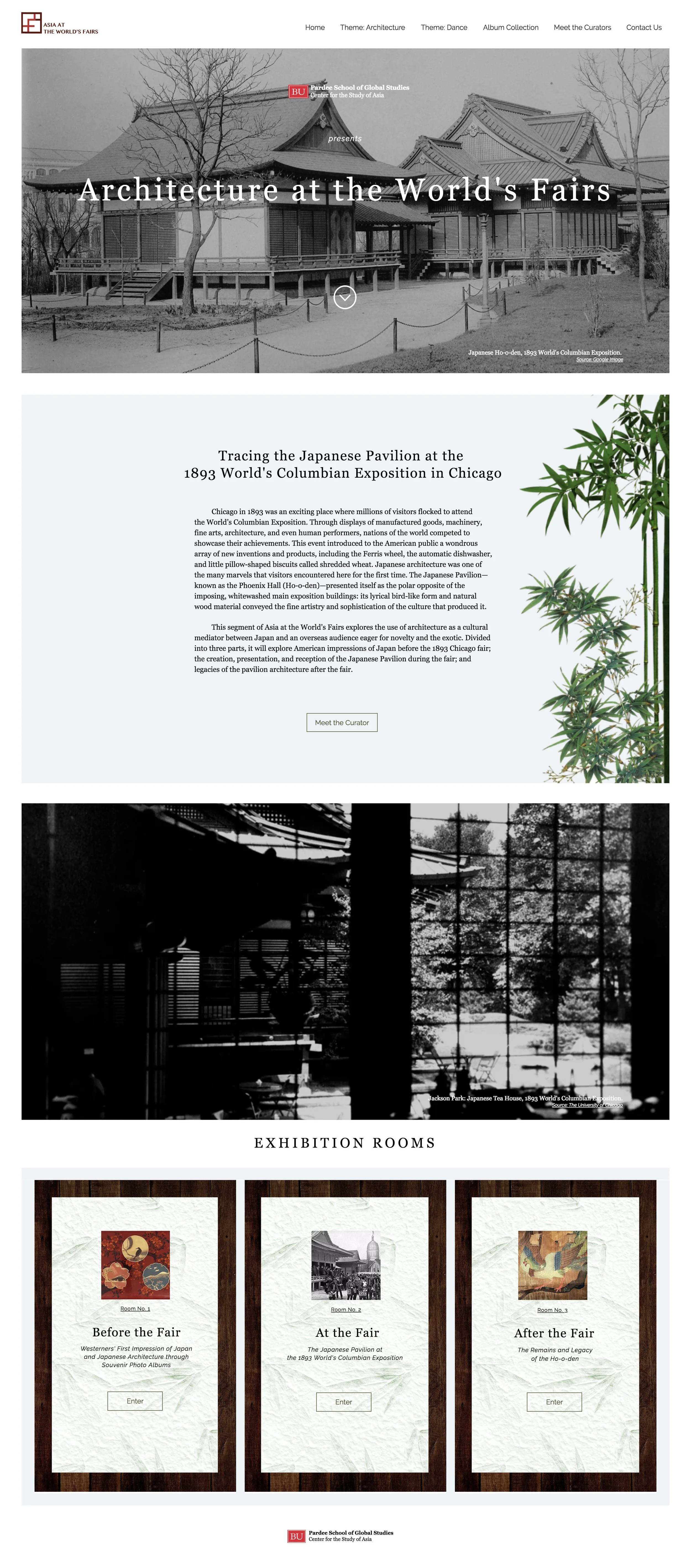
Theme: Architecture, Home Page
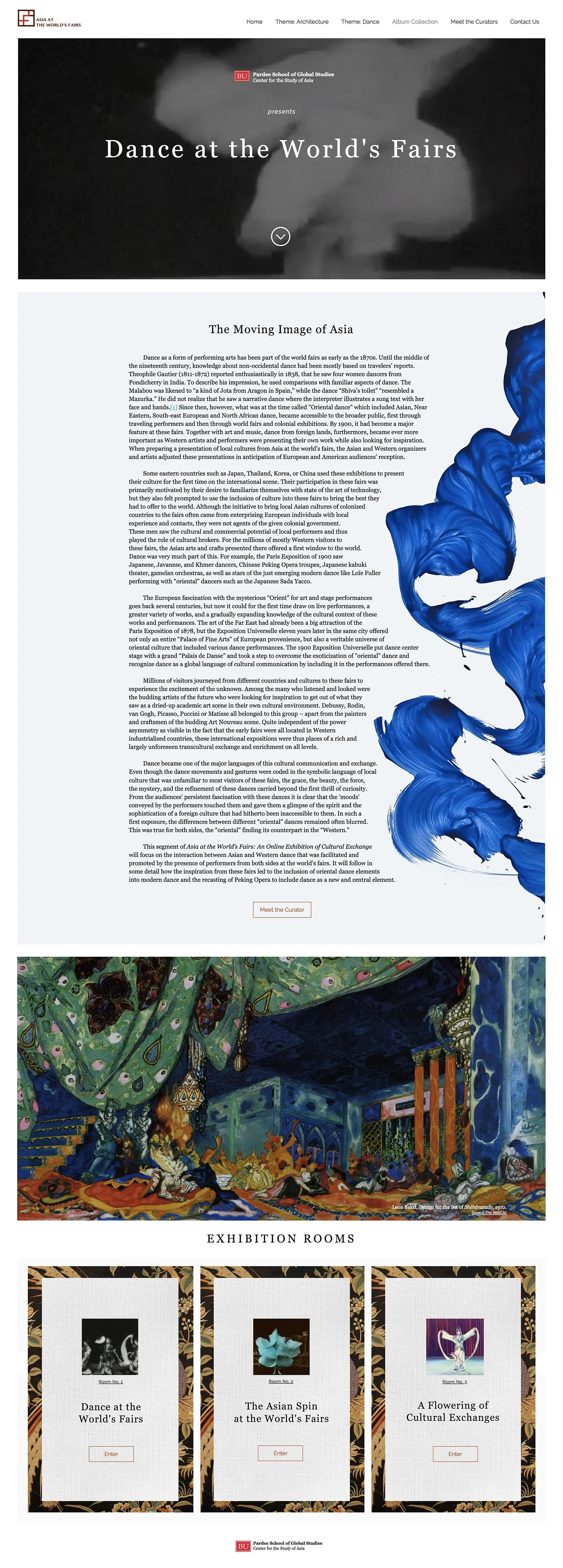
Theme: Dance, Home Page
Exhibition Rooms
THEME: ARCHITECTURE EXHIBITION ROOMS

Theme: Architecture, Exhibition Room 1

Theme: Architecture, Exhibition Room 2

Theme: Architecture, Exhibition Room 3
THEME: DANCE EXHIBITION ROOMS

Theme: Dance, Exhibition Room 1

Theme: Dance, Exhibition Room 2

Theme: Dance, Exhibition Room 3
Album Collection
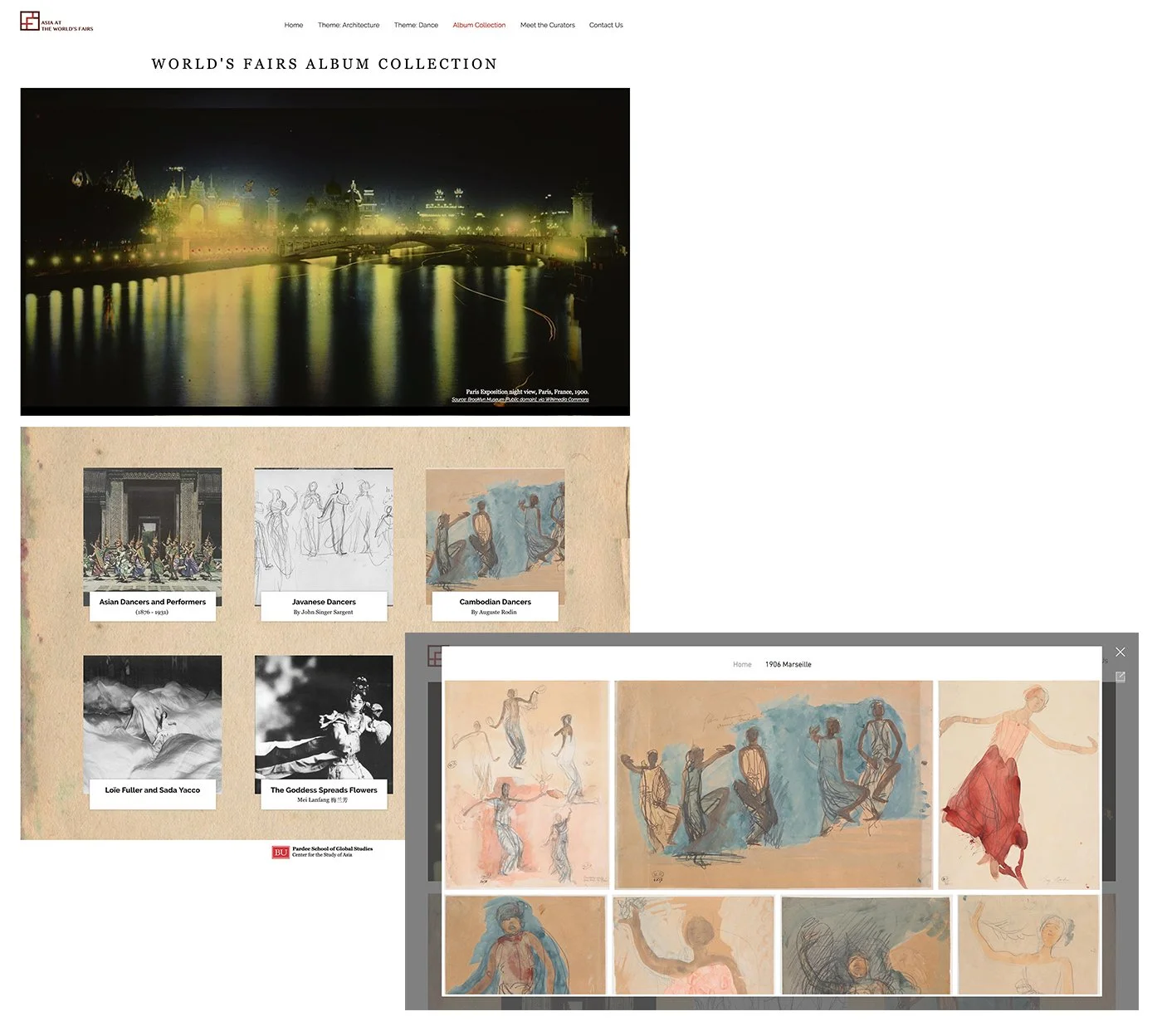
‘Cambodian Dancers’ album
Meet the Curators
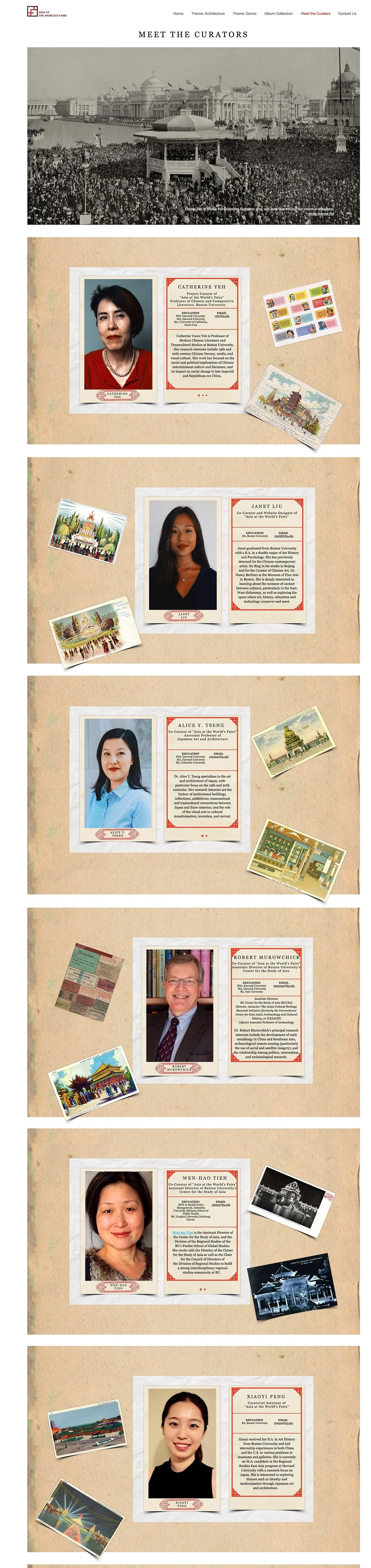
Meet the Curators Page
Contact Us
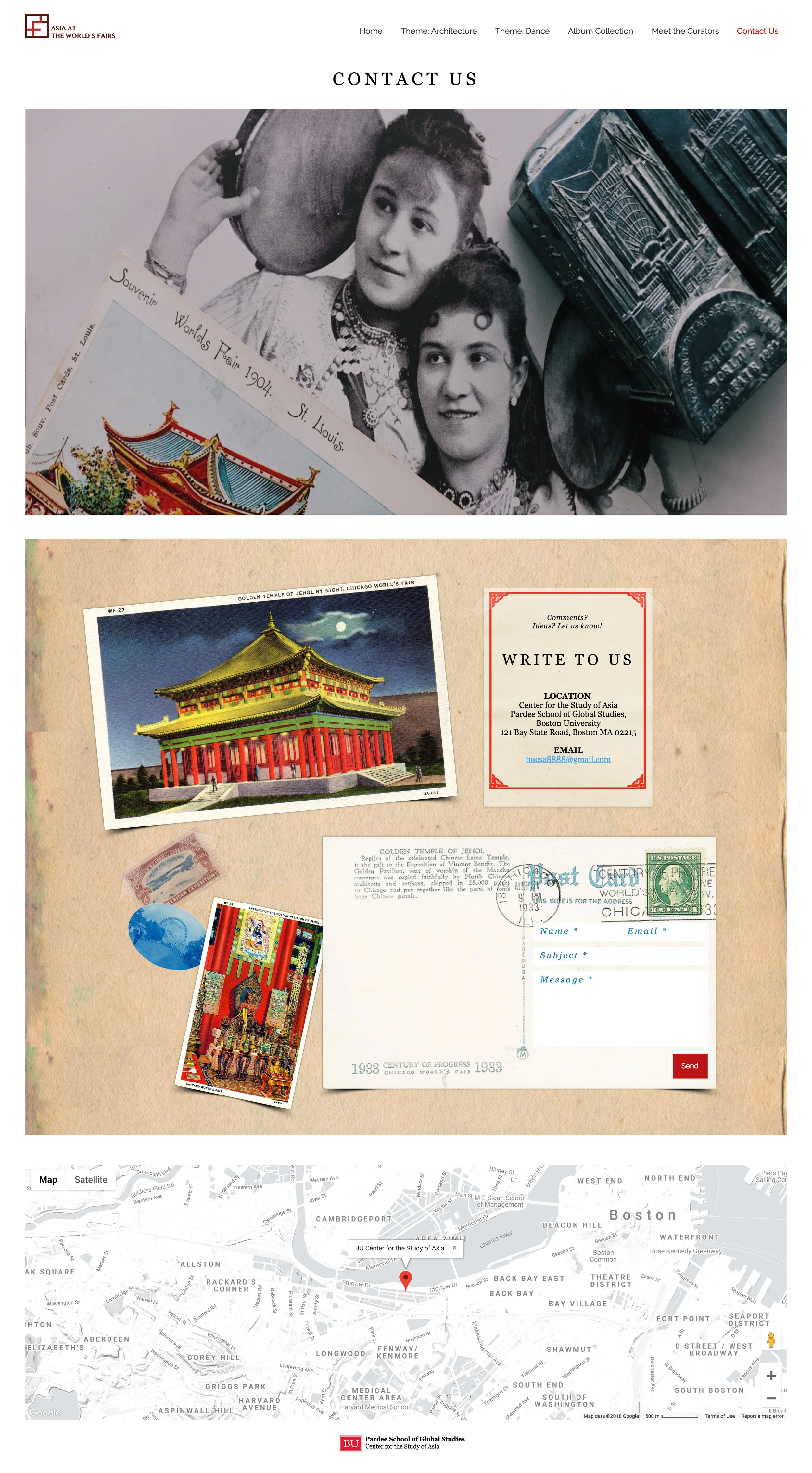
Contact Us Page
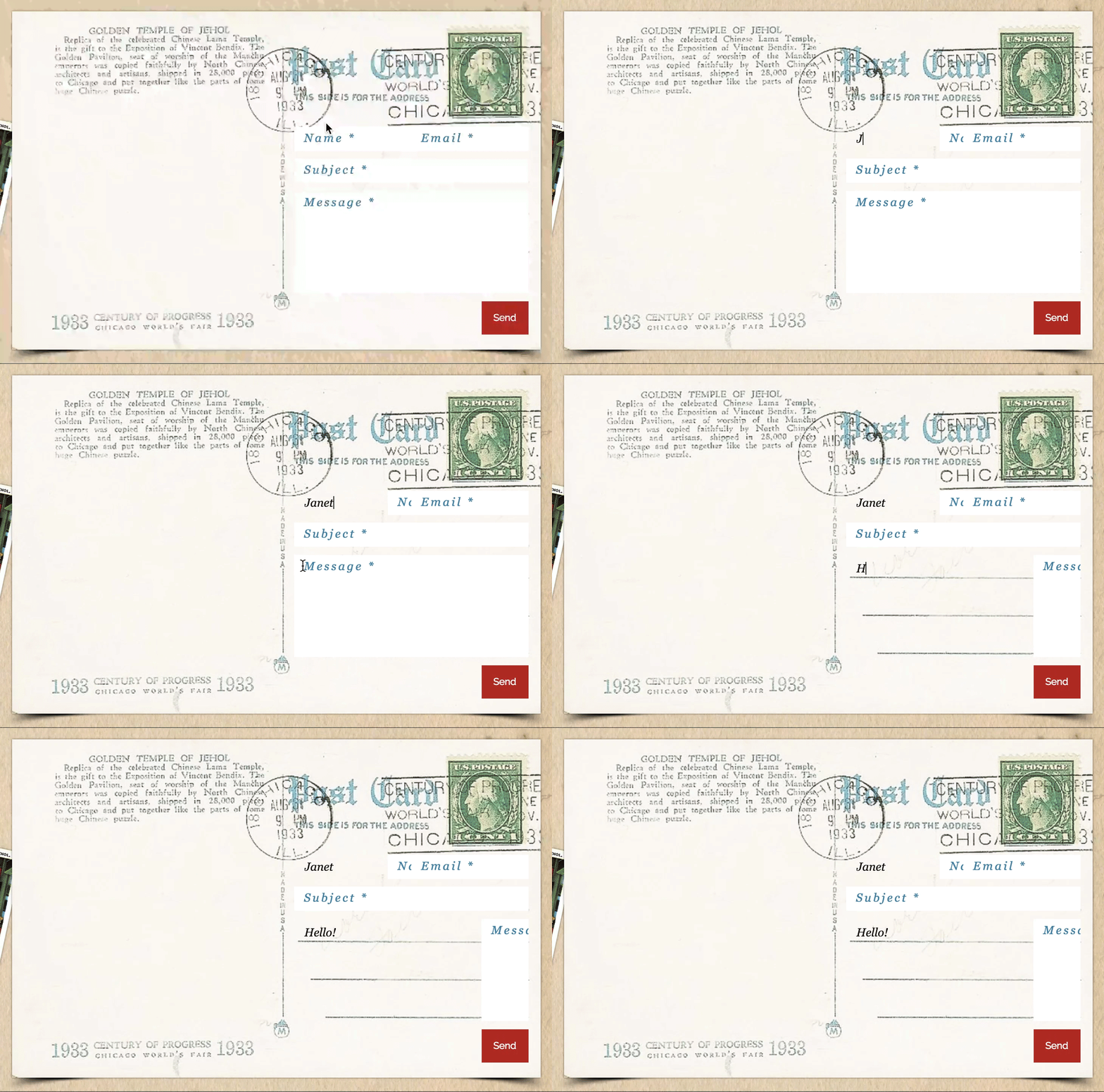
Contact Form
04.
Phase 3: Build the Full Website
PRESENTING AT ASIA AT THE WORLD’S FAIRS SYMPOSIUM
After two years of planning and designing the website, meeting professors to curate exhibition rooms, and collecting and sourcing photographs, we were finally ready to present our MVP.
On April 23, 2018, we presented Asia at the World’s Fairs to a crowded symposium room filled with students, faculty, researchers, and all those interested in online exhibitions, world fairs, and archives. We spoke about the process from beginning to present, the many challenges we faced, the advice we were given, the things we learned, and the next steps we hope to take.
Our team discovered early on that phase 3 will most likely never happen. Building a fully functional website by ourselves is not a feasible task, especially without the proper skills or funding. But what we have created is an MVP that we are confident and proud to present, and have it serve as an open discussion on the future of digital archives.
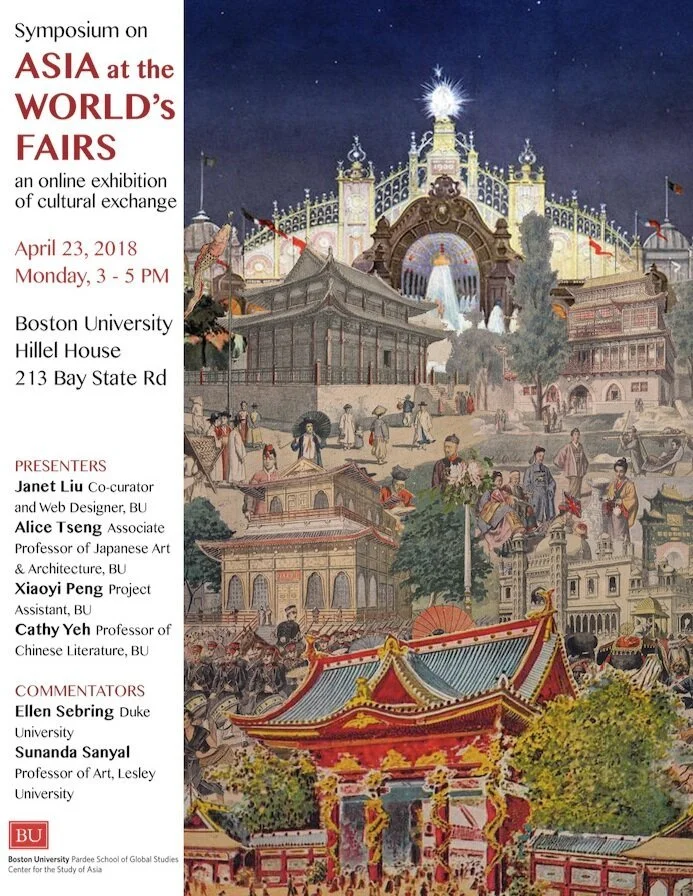
Asia at the World’s Fairs Symposium Poster
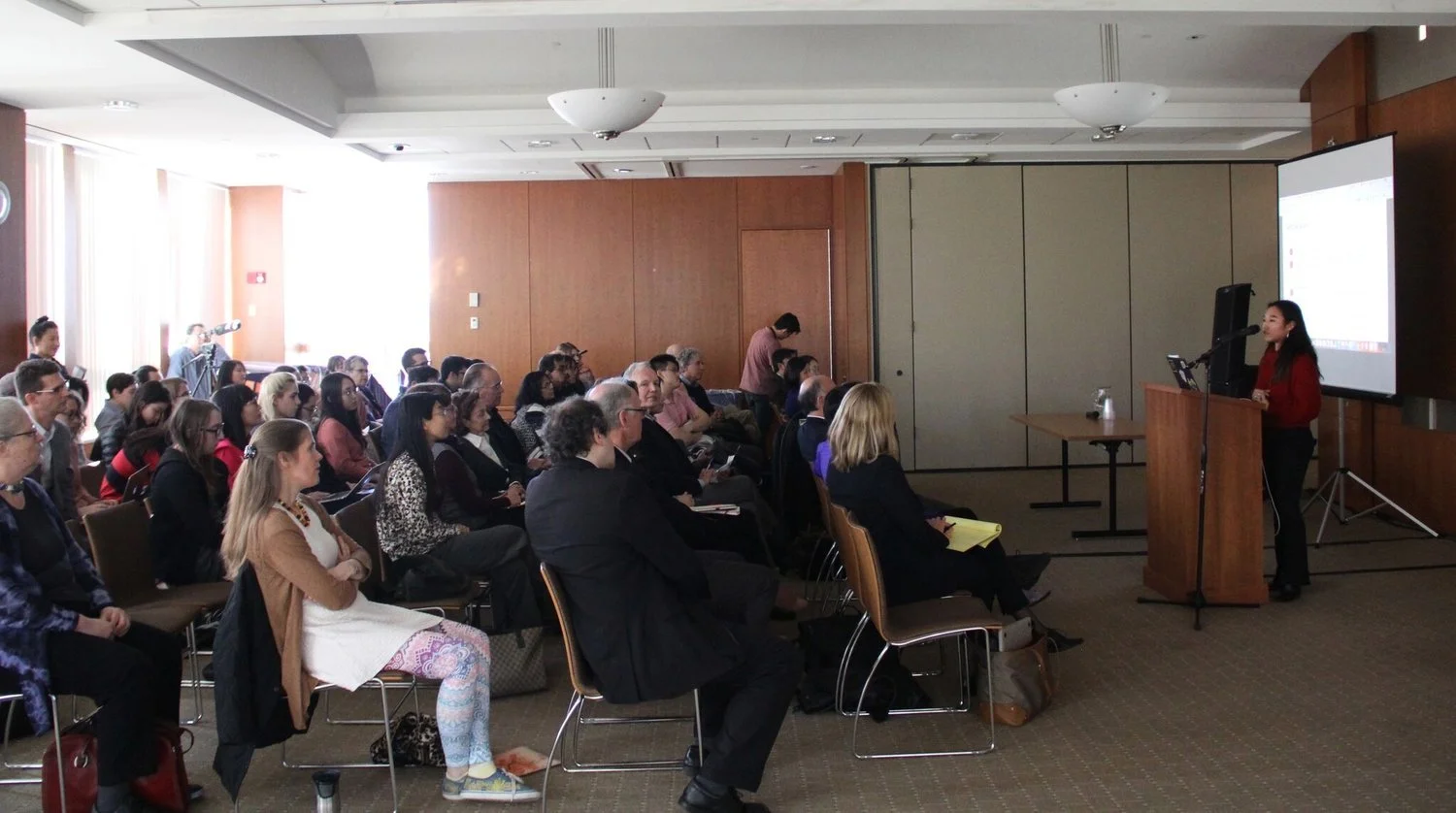
Speaking at the ‘Asia at the World’s Fairs’ Symposium on April 23, 2018
NEXT STEP
The overall reception we received was extremely positive. It was overwhelming to see researchers as excited as we were and wanting to take part and curate their own exhibition rooms. We saw the interest in our project and began writing a grant proposal.
Taking on the role of web designer and co-curator has deeply inspired me to enroll in the Information Experience Design program at Pratt. After our symposium ended, I left BUCSA and began graduate school. Since then, Asia at the World’s Fairs has continued to grow. A web developer was hired to create a fully functional website for students and faculty to expand on for courses pertaining to transcultural studies at BU.
REFLECTION
This was by far the most challenging project I’ve tackled. It was a steep learning curve, where I had to take on many roles and learn things on my own. But I thoroughly enjoyed my time as the project opened my eyes to the exciting opportunities innovative digital learning can bring to an educational setting. This is especially relevant for students and young professionals like me who are constantly seeking more immersive and interactive ways to engage with information.
Of course, the biggest challenge was building the website. My initial mindset was, “Oh no, I’m not qualified, I don’t even know how to code.” But what I have learned now is that you don’t need to be a coder to build a website. In fact, it may be more beneficial to be familiar with all the amazing website builder platforms available out there, and be mindful of what each platform offers that separates it from the rest.
Because the direction I see digital projects heading is this: the possibilities are endless. Creating digital projects offers an open space for you to collaborate with people from all different fields, who each have a story to share. Most people you work with, regardless of their profession, may not have the technical capabilities to build and manage a website on their own. And that’s why it’s important to find the right website builder so that your client can continue to manage the website easily, and receive the tech support they need when your project has ended.
Another big challenge was finding a proper content management system. Because we had begun our project with the mindset of only presenting two themes, we used a private Flickr for our images and dropbox to share our publications with one another. However, we know that as our project grows, we will need a proper CMS to store, tag, and preserve archival materials that can allow future expansion.